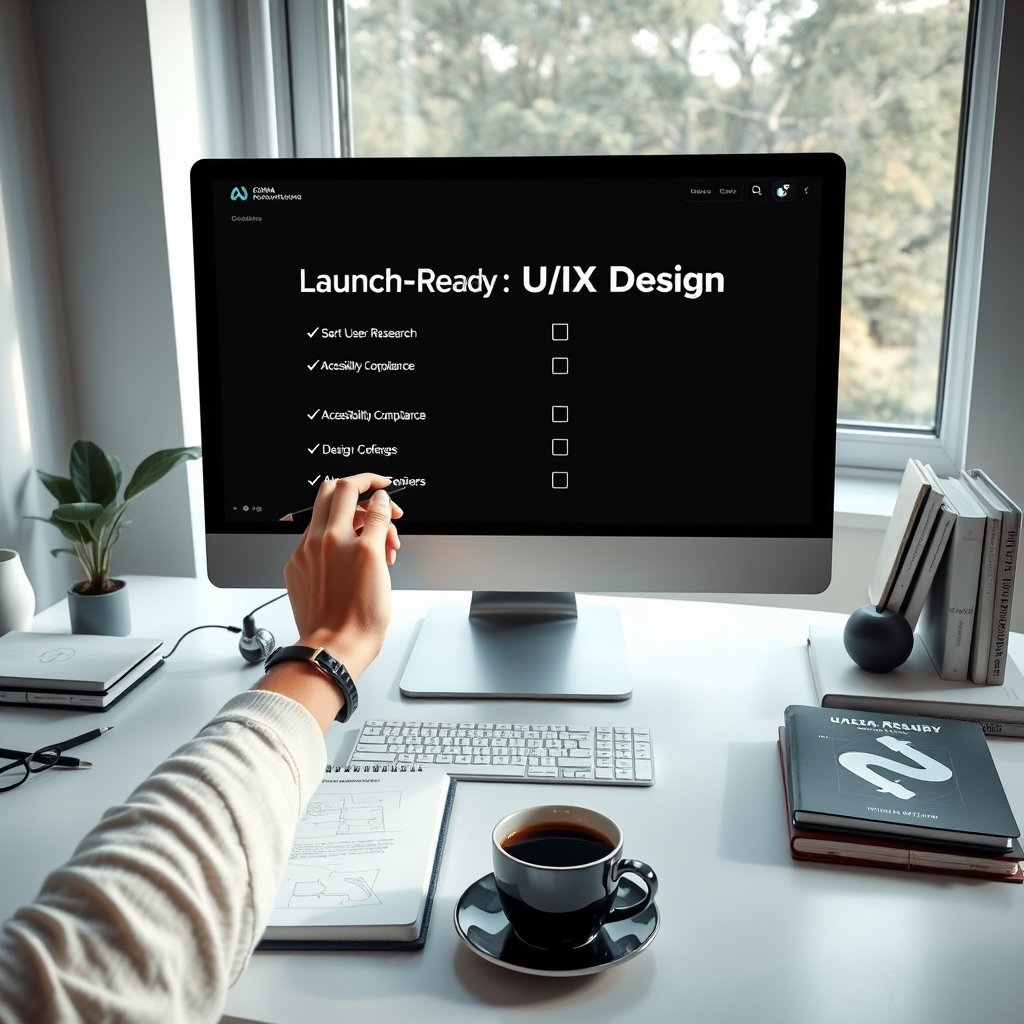
Launching a digital product without thoroughly validated UI/UX design is like setting sail without a map — risky, expensive, and likely to end in user frustration. In the competitive 2026 landscape, a launch-ready UI/UX design can make or break your product’s success by driving engagement, conversions, and long-term retention.
This comprehensive checklist gives business owners and product teams a clear, actionable framework to ensure their interface and user experience are fully optimized before launch. At Ultimate Website Designs, we use this exact checklist on every project to deliver polished, high-performing websites and applications that users love from day one.
A truly launch-ready UI/UX design goes far beyond aesthetics. It must be user-centered, accessible, performant, consistent, and aligned with business goals — all validated through rigorous testing.
What Launch-Ready UI/UX Design Really Means in 2026
Launch-ready UI/UX design is the state where every user flow, interaction, visual element, and technical requirement has been researched, prototyped, tested, and optimized for real-world deployment. It minimizes post-launch fixes, reduces support costs, and maximizes user satisfaction from the first click.
Key pillars include validated user research, consistent design systems, accessibility compliance, performance optimization, and seamless cross-platform experiences. Achieving this readiness gives teams the confidence to launch with minimal risk.
The Ultimate 10-Point Checklist for Launch-Ready UI/UX Design
Follow these 10 critical steps in order. Each item should be completed and signed off before moving to development.
1. Validate User Research and Update Personas
Start with solid data. Review surveys, interviews, analytics, and heatmaps to ensure your user personas are accurate and up-to-date for 2026 audiences.
Well-defined personas guide every design decision — from layout and navigation to feature prioritization — creating experiences that feel intuitive and personalized.
2. Complete Detailed Wireframing and Information Architecture
Build clear wireframes that map user journeys and content hierarchy. Focus on logical flow and intuitive navigation before adding visual polish.
This step prevents costly redesigns later and ensures the foundation of your product supports business objectives.
3. Create and Test Interactive Prototypes
Use tools like Figma to build high-fidelity, clickable prototypes that simulate real interactions. Test these prototypes early and often with actual target users.
Iterative prototyping helps identify friction points and refine micro-interactions before any code is written.
4. Ensure Visual Design and Brand Alignment
Review all visual elements — color palette, typography, icons, and imagery — against your brand guidelines. Maintain strict consistency across every screen.
In 2026, visual design must also scale beautifully using fluid grids and CSS container queries for flawless responsive behavior on all devices.
5. Conduct Thorough Usability Testing
Run moderated and unmoderated usability tests with diverse user groups. Measure task completion rates, error rates, time on task, and Net Promoter Score (NPS).
Integrate feedback immediately. Aim for at least two rounds of testing and iteration before finalizing the design.
6. Achieve Full Accessibility Compliance
Verify your design meets WCAG 2.2 Level AA standards. This includes sufficient color contrast, proper ARIA labels, keyboard navigation, screen reader compatibility, and focus management.
Accessibility is both a legal requirement and a smart business move — it expands your audience and improves overall usability for everyone.
7. Optimize Performance for Core Web Vitals
Ensure fast loading, smooth animations, and stable layouts. Compress images, use modern formats (WebP/AVIF), implement lazy loading, and optimize code.
Test performance across various network conditions and devices. In 2026, poor Core Web Vitals directly hurt SEO rankings and user retention.
8. Perform Comprehensive Cross-Device and Cross-Browser Testing
Test on real devices (phones, tablets, desktops, foldables) and all major browsers (Chrome, Safari, Firefox, Edge). Use tools like BrowserStack for efficiency.
Your design must feel native and consistent whether users are on mobile, desktop, or anywhere in between.
9. Prepare Complete Documentation and Developer Handoff
Create detailed design specifications, asset libraries, interaction guidelines, and redlines. Use tools like Figma Dev Mode or Zeroheight for seamless handoff.
Clear documentation reduces miscommunication, speeds up development, and prevents expensive back-and-forth during implementation.
10. Final Design System Audit and Quality Review
Perform a final audit of your entire design system for consistency. Review all components, tokens, and patterns to ensure nothing has drifted during the project.
This last quality gate catches small issues before they become big problems after launch.
Common Pitfalls to Avoid Before Launch
- Rushing usability testing or skipping user feedback
- Neglecting accessibility until the final stages
- Ignoring performance optimization until after development
- Failing to test on real devices and slow networks
- Poor documentation leading to developer guesswork
Avoiding these mistakes saves time, budget, and reputation.
Tools and Resources for Achieving Launch-Ready UI/UX
Recommended tools in 2026 include:
- Figma (prototyping and collaboration)
- Adobe XD or Framer for advanced interactions
- UserTesting or Maze for rapid usability testing
- BrowserStack and LambdaTest for cross-device testing
- Lighthouse and WebPageTest for performance audits
Our UI UX Design and Development Services incorporate all these tools and best practices to deliver launch-ready products efficiently.
Integrating the Checklist into Your Agile Workflow
Break the checklist into sprint checkpoints. Review progress during sprint planning and retrospectives. This keeps design readiness visible and prevents last-minute surprises.
Regular team alignment ensures everyone — designers, developers, and stakeholders — stays focused on delivering a polished, user-centered product.
Launch with Confidence Using This UI/UX Checklist
By systematically following this ultimate checklist for launch-ready UI/UX design, you significantly reduce launch risks and set your product up for strong user adoption and business success in 2026.
A well-prepared UI/UX design doesn’t just look good — it performs well, feels intuitive, meets accessibility standards, and delivers measurable results.
Ready to make your next product launch smooth and successful? The expert team at Ultimate Website Designs specializes in creating fully validated, high-performance digital experiences that are truly launch-ready from day one.
Contact us today to discuss how our Custom Website Design Services and UI UX Design and Development Services can help you build and launch exceptional user experiences that drive real growth and customer satisfaction.
Frequently Asked Questions
What does launch-ready UI/UX design mean? It means the design has been fully researched, prototyped, tested for usability and accessibility, optimized for performance, and documented so it can be developed and launched with minimal risk and maximum user satisfaction.
How important is accessibility in launch-ready design? Extremely important. Meeting WCAG 2.2 Level AA standards is both a legal requirement and a way to reach more users while improving overall experience quality.
When should usability testing happen in the design process? Start early with low-fidelity prototypes and continue through multiple rounds until the final high-fidelity design. Never launch without at least two rounds of real-user testing.
What are the most critical performance factors before launch? Core Web Vitals (Largest Contentful Paint, Interaction to Next Paint, and Cumulative Layout Shift) along with fast loading on mobile networks are essential in 2026.
How can a design system help with launch readiness? A mature design system ensures consistency, speeds up handoff to developers, and reduces errors during implementation.
What tools are best for preparing launch-ready UI/UX? Figma for design and prototyping, Maze or UserTesting for feedback, BrowserStack for cross-device testing, and Lighthouse for performance audits.
How can Ultimate Website Designs help with pre-launch UI/UX? We provide end-to-end UI/UX design, rigorous testing, accessibility audits, performance optimization, and smooth developer handoff to ensure your product launches successfully and performs from day one.