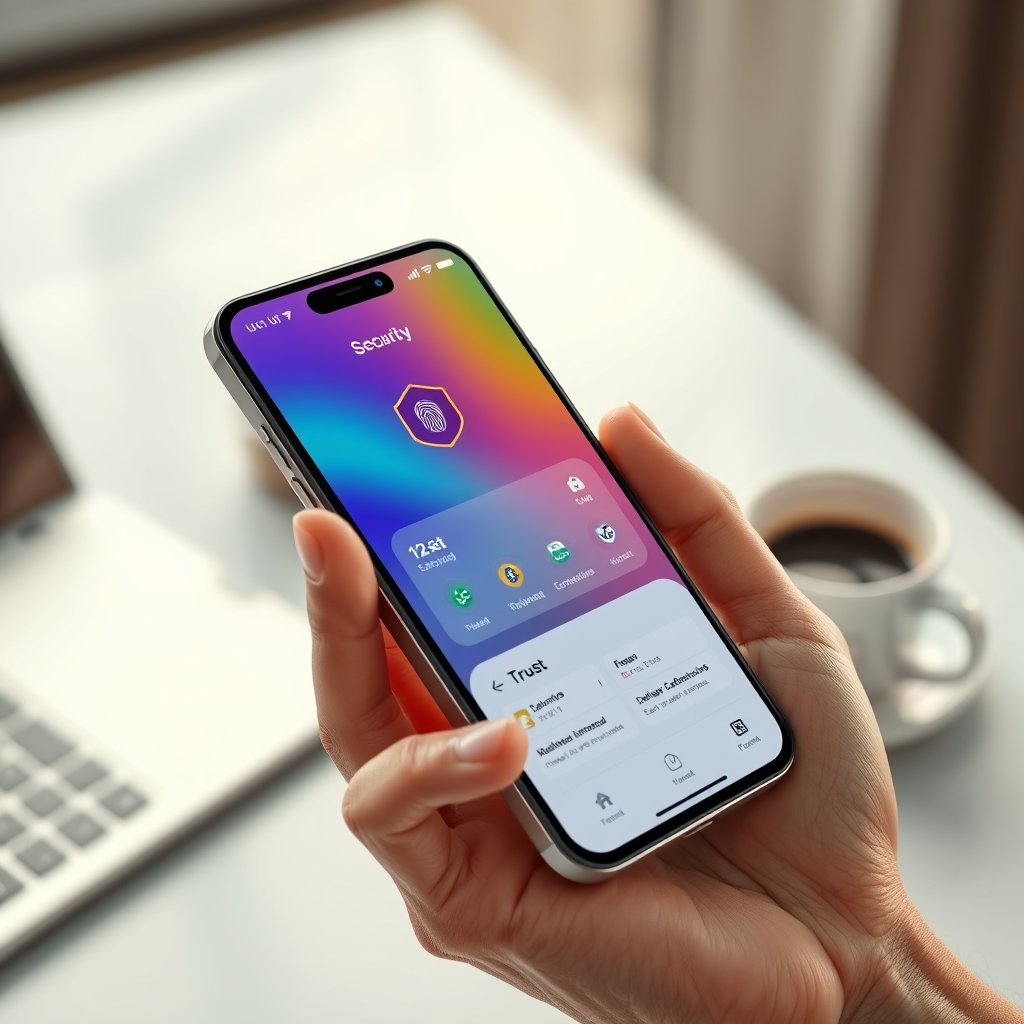
FinTech UI/UX design is the invisible handshake that turns a banking app into a calm, confident experience. In a world where cyber‑threats dominate headlines, a seamless, secure, and enjoyable interface is no longer a luxury—it’s essential for retaining customers and growing your brand. Below you’ll discover the core principles that let you protect data, earn trust, and add moments of delight, all while staying fast, accessible, and compliant.
1. The Critical Role of Security in FinTech UI/UX Design
1.1 Visible security without friction
- Biometric login – fingerprint or facial‑recognition authentication adds a layer of protection while removing the need for long passwords.
- Clear password rules – show strength meters and real‑time validation so users create strong credentials without guesswork.
- Encrypted badges – lock icons or “SSL‑secured” labels placed beside sensitive fields reassure users instantly.
1.2 Real‑time risk communication
- Instant fraud alerts – push notifications that use concise language (“⚠️ Unusual login from New York”) keep users aware of threats.
- Transaction confirmations – a modal with a visual progress bar and a “review & confirm” step reduces accidental transfers.
1.3 Design‑first risk education
- Use micro‑copy that explains why a step is required (e.g., “We ask for two‑factor verification to protect your assets”).
- Offer a quick tutorial on recognizing phishing attempts, accessible from the settings menu.
Tip: Align these security cues with a design system so the look‑and‑feel stays consistent across all screens.
2. Building Trust Through Transparent, User‑Centric Design
2.1 Plain‑language policies
- Replace dense legal jargon with short, bullet‑point summaries.
- Add a “Learn more” accordion that expands with additional detail for power users.
2.2 Consistent interaction patterns
- Keep button placement uniform (e.g., primary CTA always on the right).
- Use familiar icons—wallet, shield, clock—so users know what to expect.
2.3 Trust signals embedded in the UI
- Display security certifications (PCI DSS, NIST Digital Identity Guidelines) in a footer badge.
- Show customer testimonials with photos and short quotes on the dashboard.
2.4 Support that turns friction into confidence
- Offer in‑app live chat that appears after an error message, not only from the help menu.
- Write error messages that suggest next steps (“Oops! Payment failed. Try again or contact support”).
3. Delight: Turning Routine Finance into a Positive Experience
3.1 Micro‑interactions that feel rewarding
- A subtle animation when a bill is paid (“confetti” or a check‑mark).
- Haptic feedback on successful biometric authentication.
3.2 Personalized dashboards
- Show spending categories in a color‑coded donut chart that updates in real time.
- Highlight savings goals with progress bars that animate as users approach milestones.
3.3 Gamified incentives
- Earn “financial health points” for regular budgeting or on‑time payments.
- Unlock badge rewards that can be shared on social media, encouraging word‑of‑mouth referrals.
3.4 Anticipating needs with AI assistance
- Predictive alerts (“You usually transfer $500 on the 5th – would you like to schedule it now?”).
- Voice command shortcuts for checking balances or initiating transfers.
4. Best Practices for Integrating Security, Trust, and Delight
4.1 User‑first research
- Conduct surveys and usability tests focused on perceived security and ease of use.
- Map pain points with a journey map, then prioritize features that address the highest‑impact gaps.
4.2 A/B test security prompts
- Compare a full‑screen two‑factor enrollment screen versus an inline prompt.
- Measure which version retains the highest completion rate while keeping confidence scores up.
4.3 Accessibility is trust‑building
- Ensure all icons have ARIA labels and meet WCAG 2.2 Level AA contrast.
- Offer a high‑contrast mode and scalable text sizes; users with visual impairments will feel the app respects them.
4.4 Cross‑functional collaboration
- Hold weekly syncs between UI/UX designers, security engineers, and product managers.
- Use a shared design system (including secure component libraries) to keep visuals and security controls aligned.
4.5 Continuous monitoring
- Implement analytics that track security‑related drop‑offs (e.g., abandoned 2FA steps).
- Set alerts for unusual error spikes, then iterate quickly to fix UI friction.
5. How Ultimate Website Designs Can Help
If you’re ready to turn these principles into a live product, our team can accelerate the journey:
- [Custom Web Design] – We create sleek, secure interfaces that follow your brand guidelines and integrate biometric flows out of the box.
- [UI/UX Audit] – Get a comprehensive review of your app’s security cues, trust signals, and delight moments, complete with a prioritized action plan.
- [SEO Packages] – Even app landing pages benefit from Core Web Vitals and structured data, helping users discover your secure solution more easily.
Partner with us to build a FinTech experience where security feels seamless, trust is earned at every tap, and delight keeps users coming back.
Conclusion
FinTech UI/UX design that weaves security, trust, and delight together creates a competitive advantage no other feature set can match. By making protection visible yet frictionless, communicating policies in plain language, and sprinkling moments of joy throughout the journey, you turn a functional app into a cherished financial companion. Start today: audit one high‑risk flow, prototype a micro‑interaction, and measure the impact. The more you iterate with data‑backed insights, the stronger the bond you’ll build with every user.
Frequently Asked Questions
1. Does biometric authentication compromise privacy?
When implemented with on‑device processing (Apple Face ID, Android BiometricPrompt), biometric data never leaves the device, keeping it private while adding security.
2. How often should I update security badges in the UI?
Refresh certifications and compliance badges whenever a new audit is completed—typically annually or after major regulatory changes.
3. Can micro‑interactions affect performance?
Yes, but keep animations under 200 ms and use CSS transforms to stay within Core Web Vitals thresholds for LCP and CLS.
4. What is the easiest way to make my app WCAG 2.2 compliant?
Start with an accessibility audit, then apply high‑contrast color palettes, ensure all interactive elements meet a minimum 48 px touch target, and add ARIA labels to icons.